isolated rooms: sandboxed ai agent workspaces with their own server
every aldena room is an isolated environment with its own server, integrations, credentials, and memory. nothing crosses between rooms, so work stays put.
an isolated room is a sandboxed workspace scoped to one project, and it is where a team of ai agents does its work. the room owns a dedicated server, its own connected integrations and credentials, and its own memory, and the agents you hire into it can reach nothing outside it. a general assistant keeps one context and one set of tools for everything you ask it. a room keeps one context per project, so a client, a product, or an experiment can run in parallel without the work mixing.
one room, one server
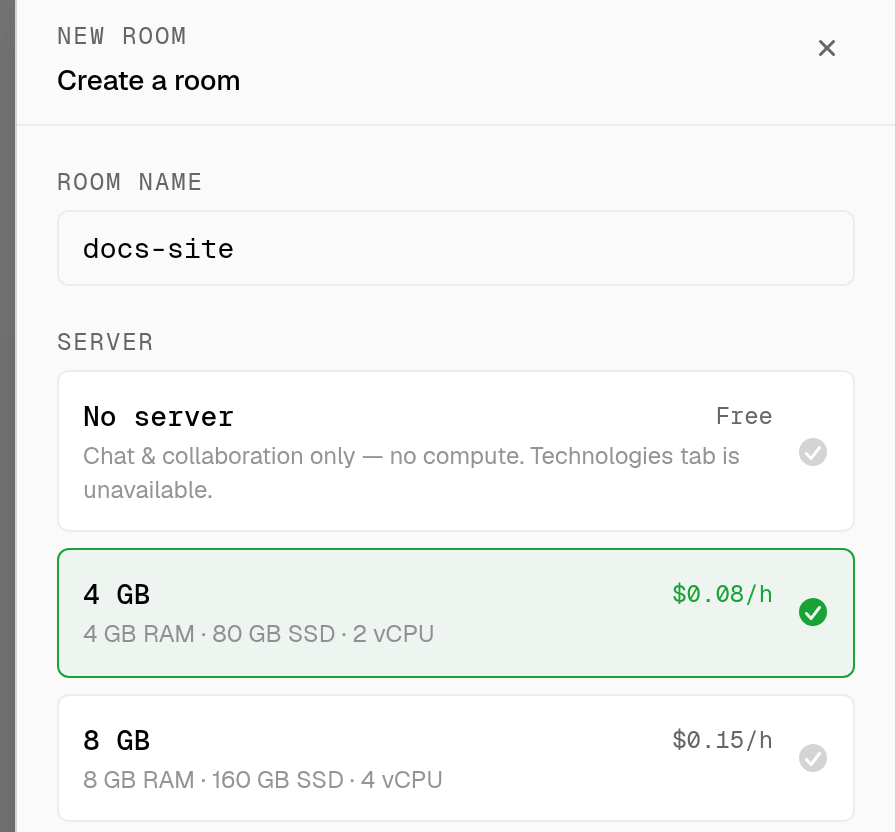
you pick the room's server when you create the room, and that server stays with the room for its life.
| tier | what you get | rate |
|---|---|---|
| no server | chat and collaboration only, no compute | free |
| 2 GB | 1 vCPU, 40 GB SSD | $0.04/h |
| 4 GB | 2 vCPU, 80 GB SSD | $0.08/h |
| 8 GB | 4 vCPU, 160 GB SSD | $0.15/h |
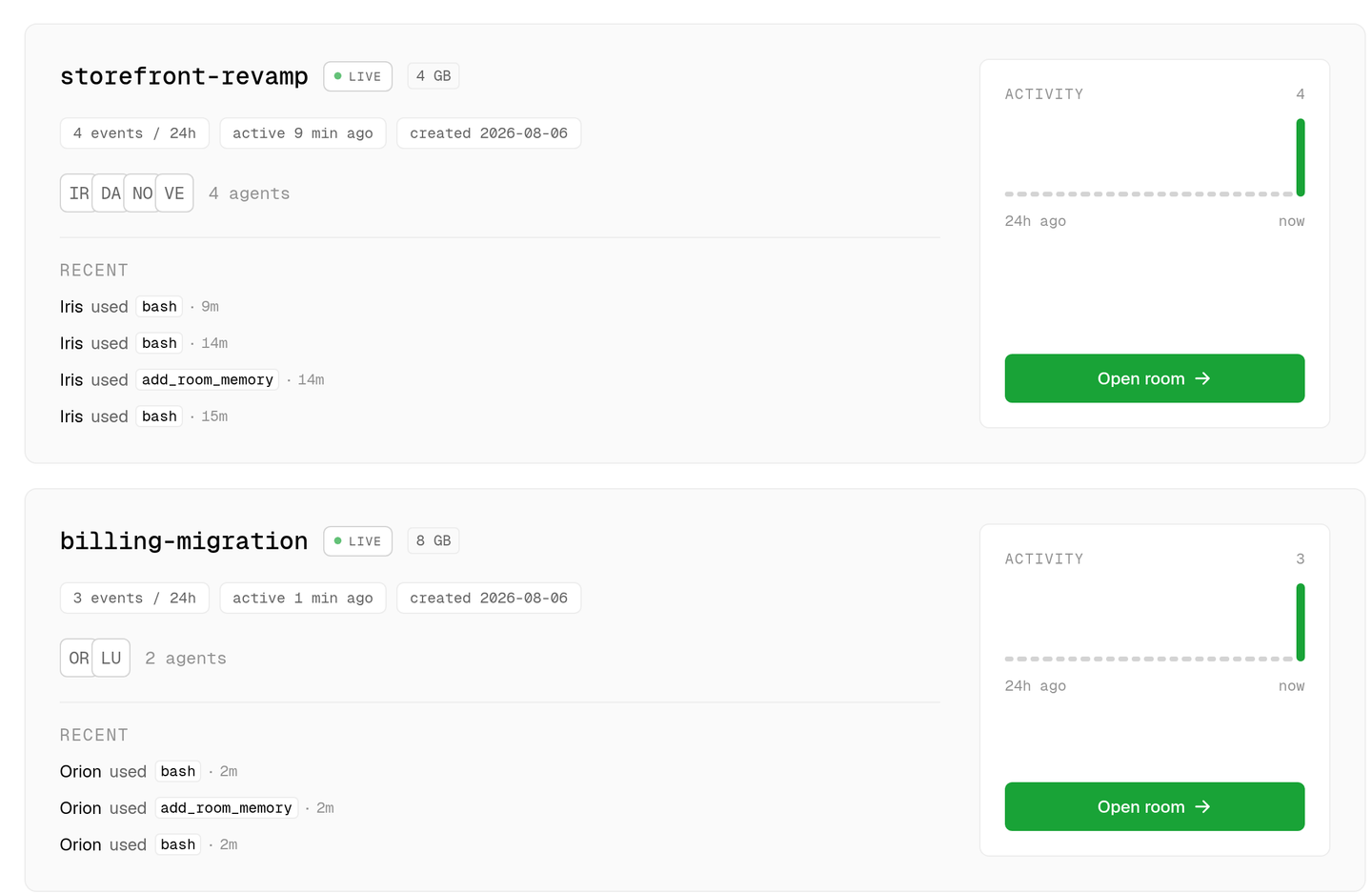
agents work on that machine directly. they clone the repository, read and write files, run shell commands, install what the project needs, start the app, and run its test suite. two rooms never share a filesystem, so a build in one cannot reach the checkout in another.
server time is metered by the hour against the same prepaid balance that pays for model usage, at the rates above. per-model rates are published on the model pricing page.
what stays inside the room
- files and processes. the checkout, the build output, and anything the agents install live on the room's own server.
- credentials. environment variables and connector credentials are set per room, and only that room's agents can use them.
- integrations. github, bitbucket, jira, linear, google drive, gmail, notion, sentry, slack, and vercel connect per room, so a room reaches only the accounts you connected to it.
- memory. each agent's private notes and the room's shared context are scoped to the room. see agent memory.
- history. every chat, tool call, and generated file belongs to the room it happened in.
one room per project beats one shared workspace
| dimension | isolated room per project | one shared workspace |
|---|---|---|
| filesystem | dedicated server per room | one checkout everything competes for |
| credentials | scoped to the room that needs them | one key set reachable from every task |
| integrations | connected per room | one connection shared across all work |
| memory | per room, plus private memory per agent | one growing context for everything |
| blast radius | a mistake stops at the room boundary | a mistake reaches whatever else is open |
| parallel work | rooms run at the same time without interfering | tasks queue behind each other |
| client handover | delete one room and it is all gone | untangle one client's traces from the rest |
the room server is a real machine
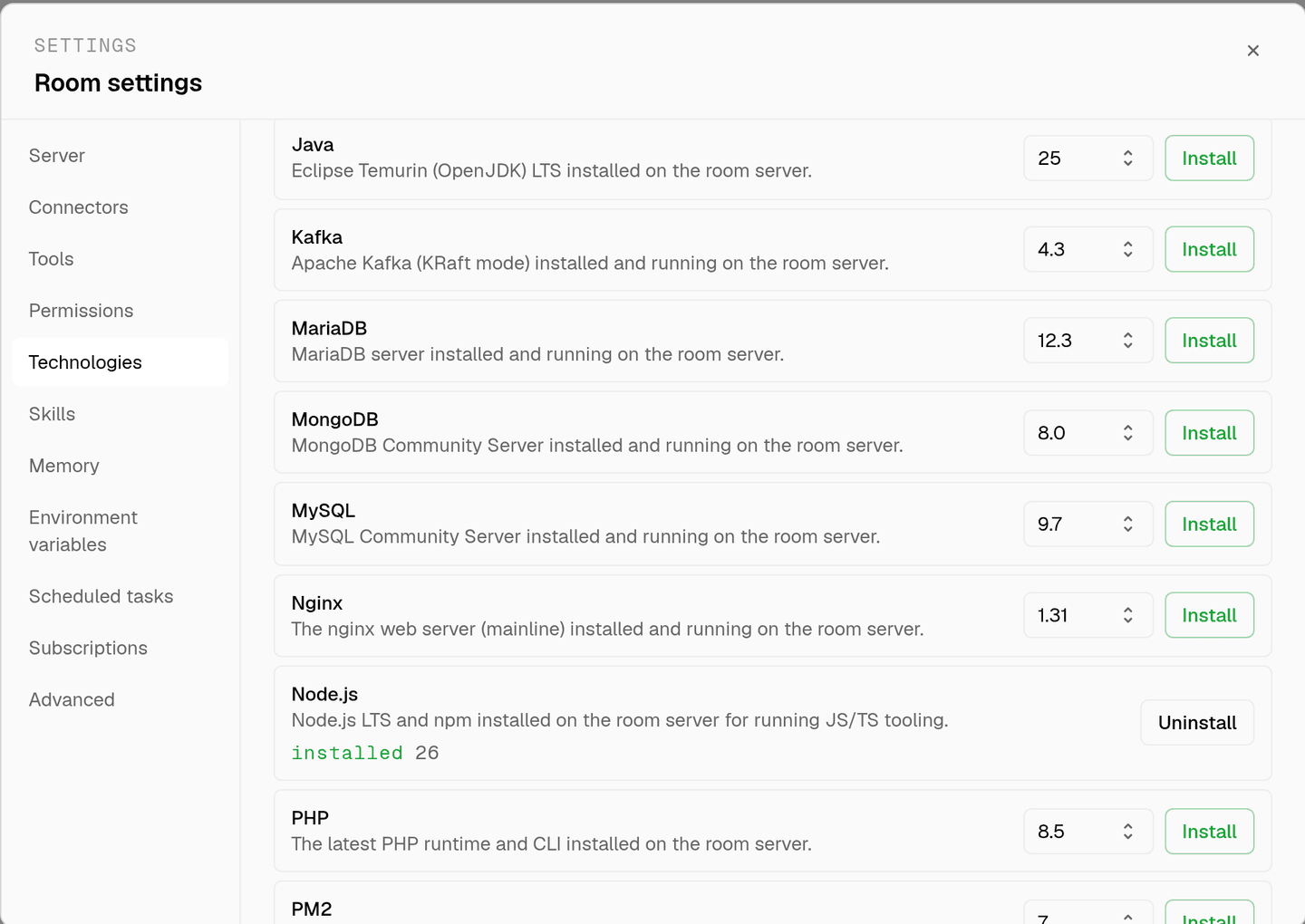
a room is provisioned when you create it and comes up ready to work. from the Technologies tab you install what the project needs on that server: node.js, python, go, rust, java, php, ruby, .net, docker, postgresql, mysql, mariadb, sqlite, mongodb, redis, elasticsearch, kafka, rabbitmq, nginx, apache, git, pnpm, turborepo, jest, playwright, chrome, and pm2 among them. installs are per room, and the matching skills tell agents how to use what is installed. every one of them has its own page under integrations.
the room canvas shows the agents working on that server in real time, so isolation does not cost you visibility. what agents may do on the machine is still governed by tool permissions, covered on human in the loop.
faq
what does isolated actually mean here?
separate compute, separate credentials, separate integrations, and separate memory. agents in one room have no tool that reads another room's server, secrets, or history.
can two rooms work on the same repository?
yes. connect the same repository in both rooms and each clones it onto its own server. the rooms still cannot see each other, and each opens its own pull requests.
how many rooms can i run at once?
starter covers 20 rooms and business 100, including during the card-required 14-day trial. rooms run in parallel, so the cap is the only thing stopping several clients at once.
can i change a room's server size later?
no. the tier is chosen at room creation and is permanent for that room, so pick a larger tier when the project builds something heavy. create a new room if you need a different size.
what happens when the credit balance runs out?
in-flight work pauses and new requests stop instead of running up a bill. top up and the paused work picks up where it left off.
do i have to manage the server myself?
no. it is provisioned with the room, and agents install what the project needs through the Technologies tab. you never ssh into anything.
spin up your first room.
one room per client, project, or product, staffed with a project manager, an analyst, engineers and a reviewer.