start using Redis with your agents
sign up, open a room, and install Redis from its technologies tab.
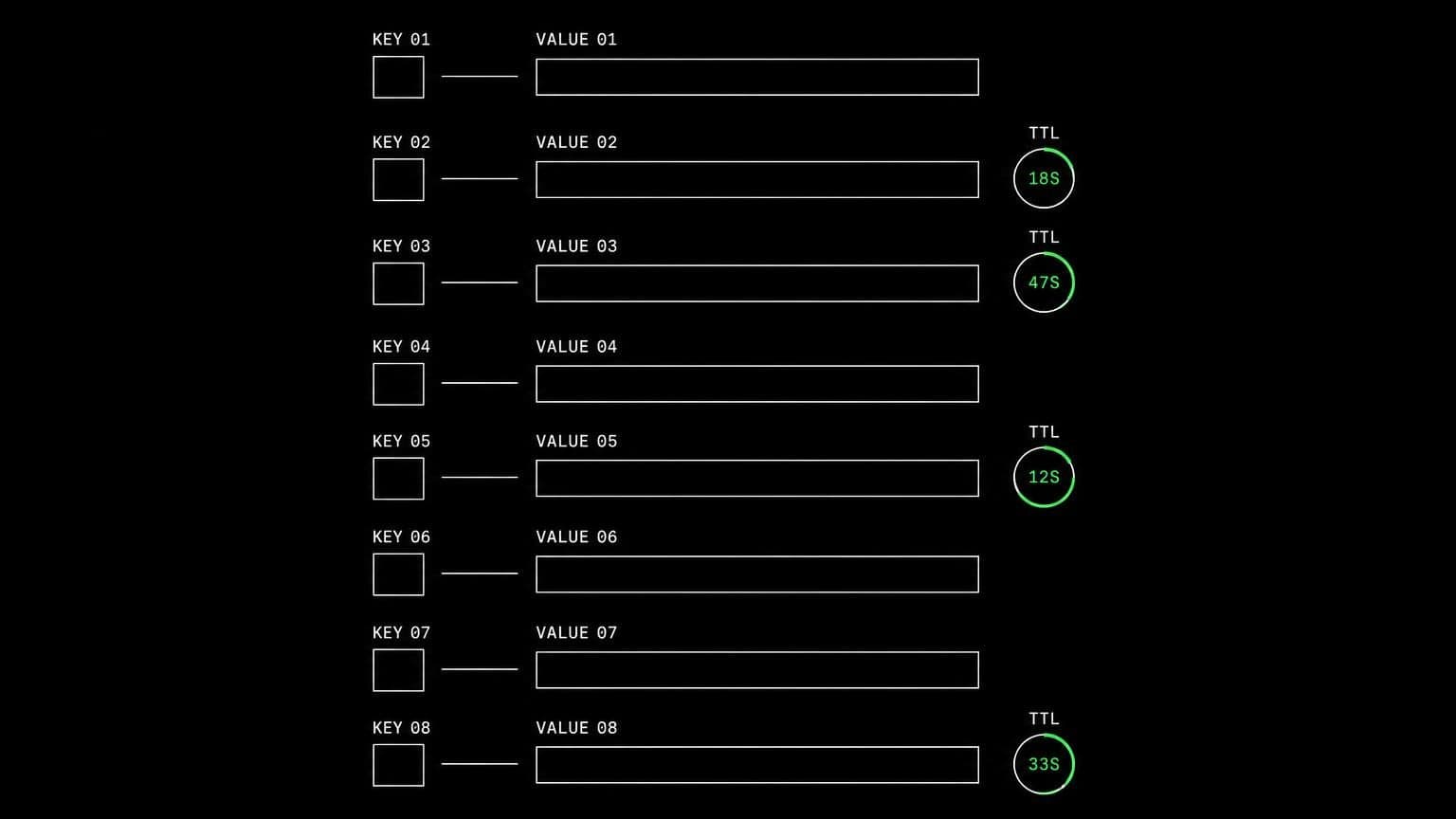
redis ai agent: a live cache and queue on the room's own server
install redis on a room's server and its agents run redis-cli, inspect keys, exercise queues and rate limiters, and test the caching path on a real instance.
- runs on
- room server
- installed
- per room
- category
- datastore
caching and queueing are the parts of a system that misbehave only under real conditions. installing redis on a room's server means the agent working on that code can create those conditions rather than describe them.
what agents do with it
once it reports installed, a redis server is running on the room's machine and redis-cli is on the path. agents point the application at localhost, exercise the cache path, and then inspect what actually landed: which keys exist, what their ttls are, whether the eviction they expected happened. for queue work they push jobs, watch the worker drain them, and read the payload of the one that failed.
why an instance beats a mock
a mocked cache agrees with whatever the code does, which is why cache bugs survive test suites. a real instance disagrees. an agent that can run redis-cli sees the key that was never set, the ttl that was written in seconds instead of milliseconds, and the lock that was never released, and can fix the cause rather than the symptom.
example tasks
- 01
the rate limiter lets too many requests through. find the bug.
the agent runs the limiter against the room's redis, watches the keys and their ttls as requests arrive, and points at the window that is being reset instead of extended.
bashreadedit - 02
prove the cache invalidation actually works after an update.
it writes a value, updates through the app, and checks the key with redis-cli, iterating on the room server until the behaviour matches what the code claims.
bashgrep
what to know before installing
the room needs a paid server tier. redis is small, so it sits comfortably beside an application on the 4 gb tier. the install is queued per room from the technologies tab, streams its status, and if redis is already present the script exits early rather than installing over the top.
how to install Redis
Redis is installed per room from the technologies tab, not once per team and not on your laptop.
- give the room a server
technologies are installed on real hardware, so the room needs a 2 GB, 4 GB, or 8 GB tier. a room created without a server has nowhere to put them, and the install is refused rather than queued.
- open the technologies tab
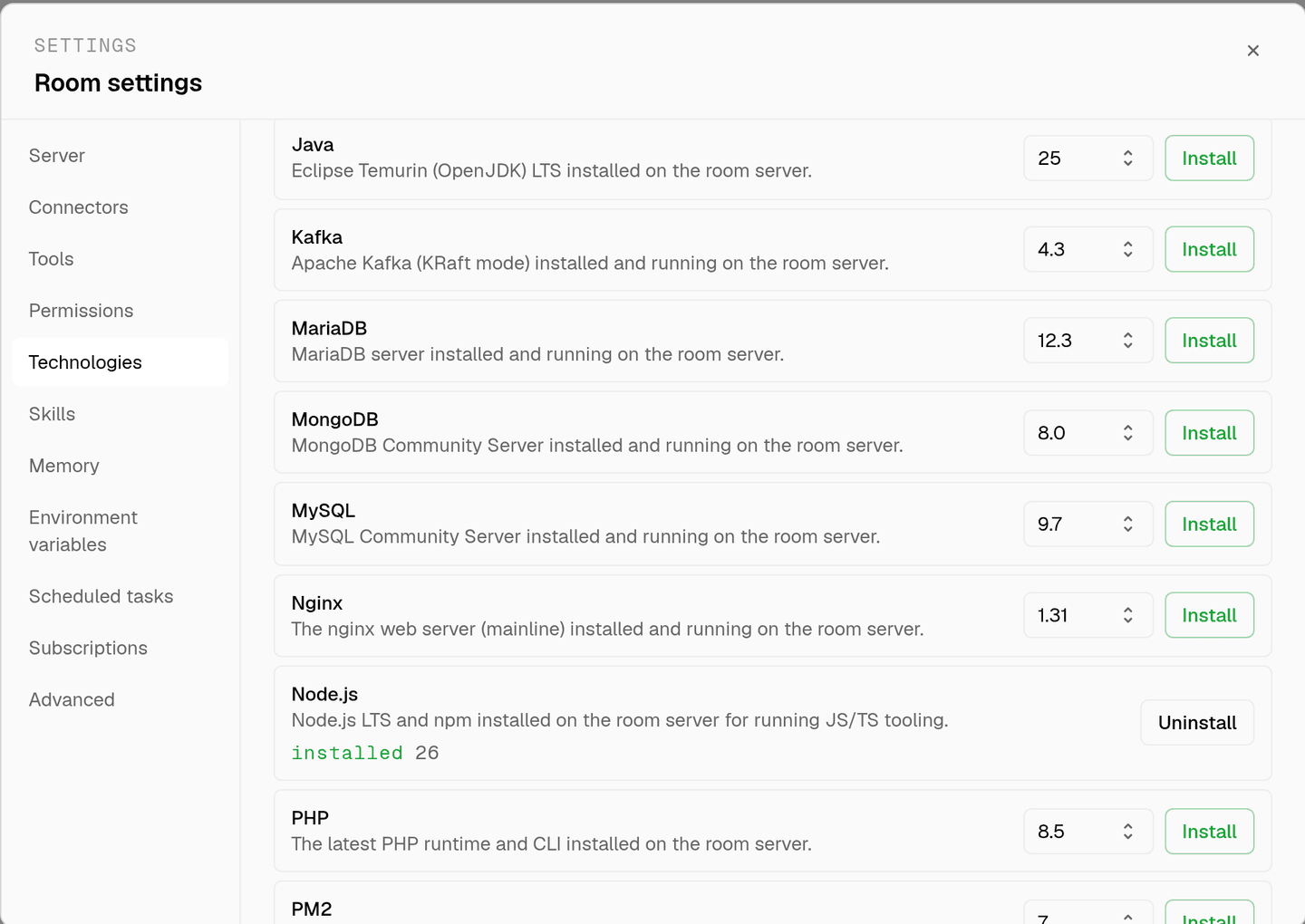
room settings lists every installable technology with its status. pick Redis and the install is queued for that room's server alone.
- watch the install run
the room streams the status through pending, installing, and installed, and a failed script surfaces its error instead of leaving the room in an unknown state.
- agents use it through bash
once it reports installed, every agent in the room reaches Redis with the bash tool, on the same filesystem as the checkout they are working in. uninstalling runs the teardown script and takes it away again.
where Redis actually lives
each room owns a server for its whole life, and the technologies tab is how you decide what is on it. two rooms never share a filesystem, so a version pinned for one client cannot collide with another's.
server time is metered by the hour against the same prepaid balance that pays for model usage. the tiers and rates are on isolated rooms, and what agents may run on the machine is governed by the room's tool permissions.
faq
what does installing redis on a room give the agents?
a running redis server and the redis-cli client on that room's machine. agents point the app at localhost, exercise the cache and queue paths for real, and inspect keys and ttls with redis-cli instead of asserting against a mock that always agrees with them.
is this shared with my other rooms?
no. redis is installed per room on that room's own server, and two rooms never share a filesystem. a flushed database in one project cannot touch another, which is what makes it safe to let an agent experiment.
can agents test a background queue with it?
yes. with redis and the language runtime installed in the same room, an agent starts the worker, pushes jobs, watches them drain, and reads the failure when one does not. that whole loop happens on the room server through the bash tool.
does the install keep redis running after a restart?
the install script enables the service so it comes up with the machine, and it prints redis-server --version at the end so the run log records what landed. uninstalling stops the service and removes the data directory.
spin up your first room.
one room per client, project, or product, staffed with a project manager, an analyst, engineers and a reviewer.