start using Google Chrome with your agents
sign up, open a room, and install Google Chrome from its technologies tab.
chrome ai agent: headless chrome on the room's own server
install google chrome stable on a room's server and its agents drive a real browser headless, render pages, print to pdf, and check what a page returns.
- runs on
- room server
- installed
- per room
- category
- browser
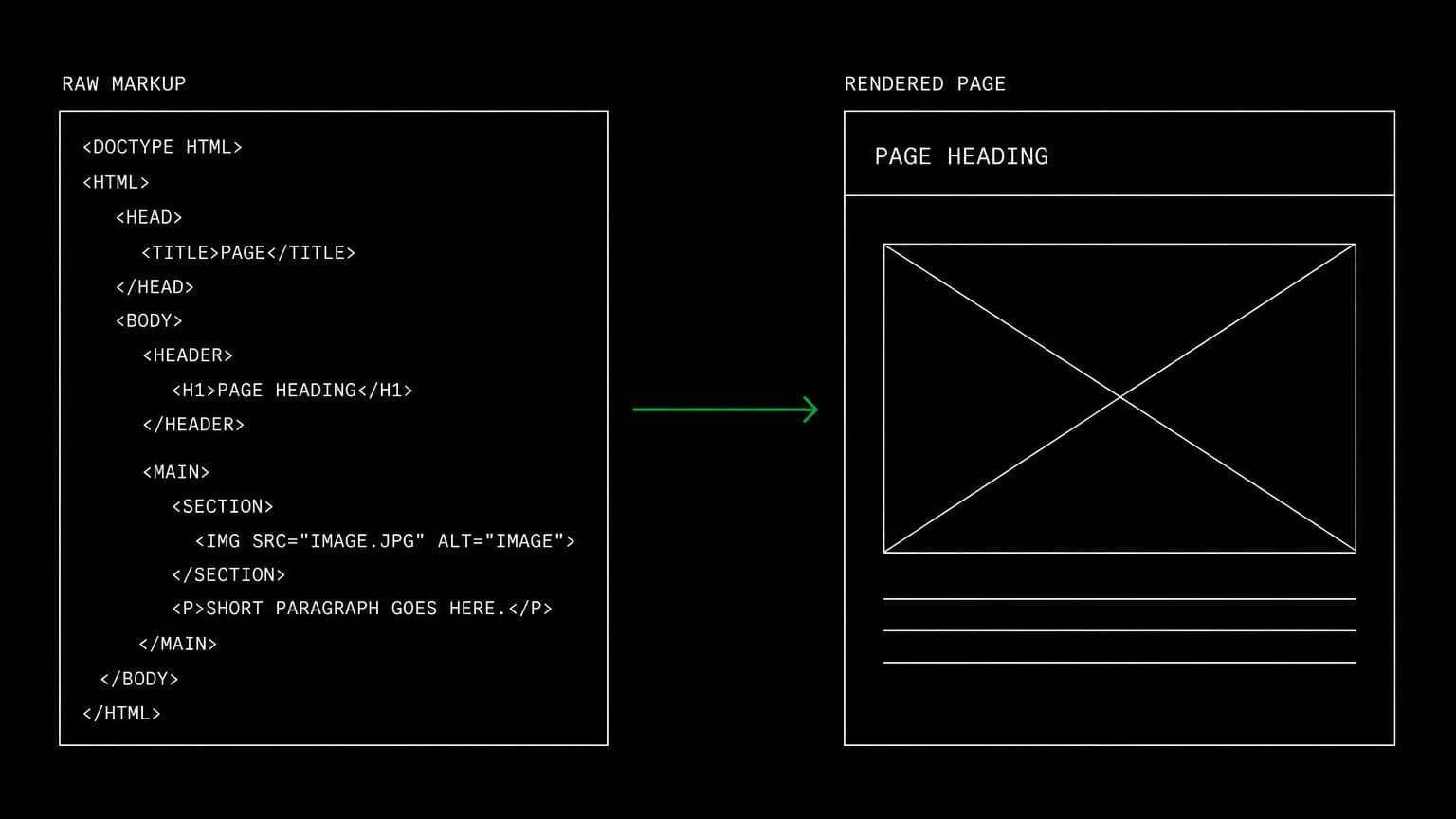
some pages are html and some pages are a program that produces html. installing chrome on a room's server gives agents a real rendering engine for the second kind, on the same machine as the checkout.
what agents do with it
once it reports installed, google-chrome-stable is on the room server's path. agents drive it headless through the bash tool: render a url, capture a screenshot, print a page to pdf, or run the project's own headless rendering step. the output lands on the room's filesystem, so the agent reads it back and acts on it without anything leaving the room.
when chrome is the right choice
chrome on its own suits projects that already drive a browser their own way: a language binding, a build step that snapshots a page, a script that generates a pdf. if the project has an end to end suite, the playwright technology is the better fit because it brings its own browsers and runner. if agents need a general purpose browsing tool with a cli, agent browser is built for that.
example tasks
- 01
the marketing page renders blank for some users. check what chrome actually gets.
the agent renders the page headless on the room server, captures the result, and reads the console output to find the script that failed before the content mounted.
bashread - 02
generate the pdf export and confirm the layout survived the last css change.
it prints the page to pdf on the room machine, checks the output, and iterates on the print stylesheet until the layout holds.
basheditgrep
what to know before installing
the room needs a paid server tier, and a browser is memory hungry, so a room doing much rendering wants the 8 gb tier. chrome has no matching skill of its own, so the guidance for browser work lives with the playwright and agent browser skills instead.
how to install Google Chrome
Google Chrome is installed per room from the technologies tab, not once per team and not on your laptop.
- give the room a server
technologies are installed on real hardware, so the room needs a 2 GB, 4 GB, or 8 GB tier. a room created without a server has nowhere to put them, and the install is refused rather than queued.
- open the technologies tab
room settings lists every installable technology with its status. pick Google Chrome and the install is queued for that room's server alone.
- watch the install run
the room streams the status through pending, installing, and installed, and a failed script surfaces its error instead of leaving the room in an unknown state.
- agents use it through bash
once it reports installed, every agent in the room reaches Google Chrome with the bash tool, on the same filesystem as the checkout they are working in. uninstalling runs the teardown script and takes it away again.
where Google Chrome actually lives
each room owns a server for its whole life, and the technologies tab is how you decide what is on it. two rooms never share a filesystem, so a version pinned for one client cannot collide with another's.
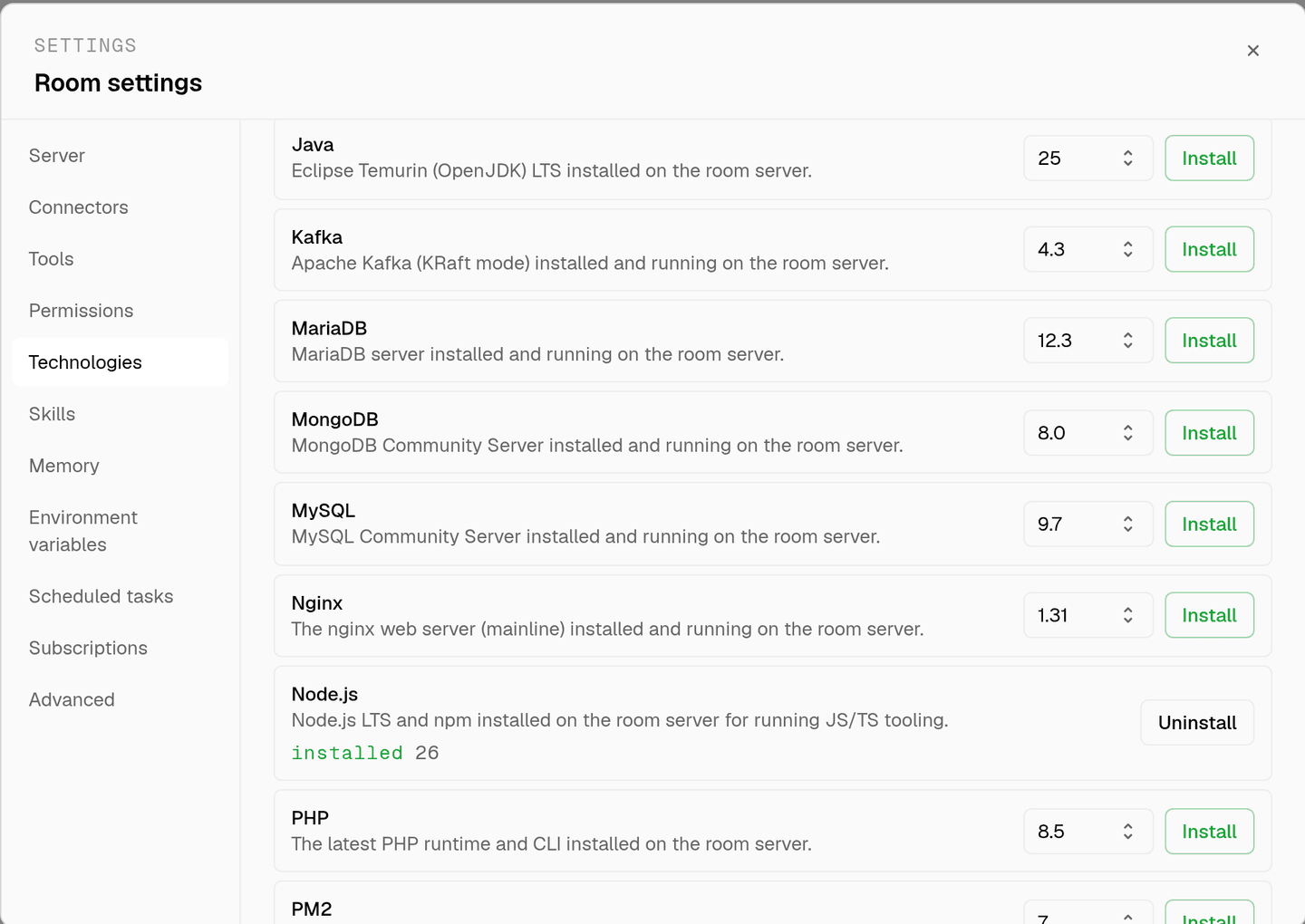
server time is metered by the hour against the same prepaid balance that pays for model usage. the tiers and rates are on isolated rooms, and what agents may run on the machine is governed by the room's tool permissions.
faq
what does installing chrome on a room give the agents?
google chrome stable on that room's server, driven headless through the bash tool. agents render a page, capture a screenshot or a pdf, and check what the browser actually produced rather than what the html suggests it should.
how is this different from the web fetch tool?
web fetch retrieves a url and summarises it. chrome renders it, which is the difference that matters for anything built by javascript. a page that is empty html until a script runs is invisible to a fetch and visible to a browser.
is chrome the same as installing playwright?
no. playwright brings its own browser binaries and a test runner. chrome is the browser on its own, for cases where the project already drives it, for example through a language binding or a headless rendering step in the build.
does it run headed?
the room server has no display, so chrome is used headless. screenshots and pdfs are written to the room's filesystem, where agents read them back with the same tools they use for any other file.
spin up your first room.
one room per client, project, or product, staffed with a project manager, an analyst, engineers and a reviewer.