start using Turborepo with your agents
sign up, open a room, and install Turborepo from its technologies tab.
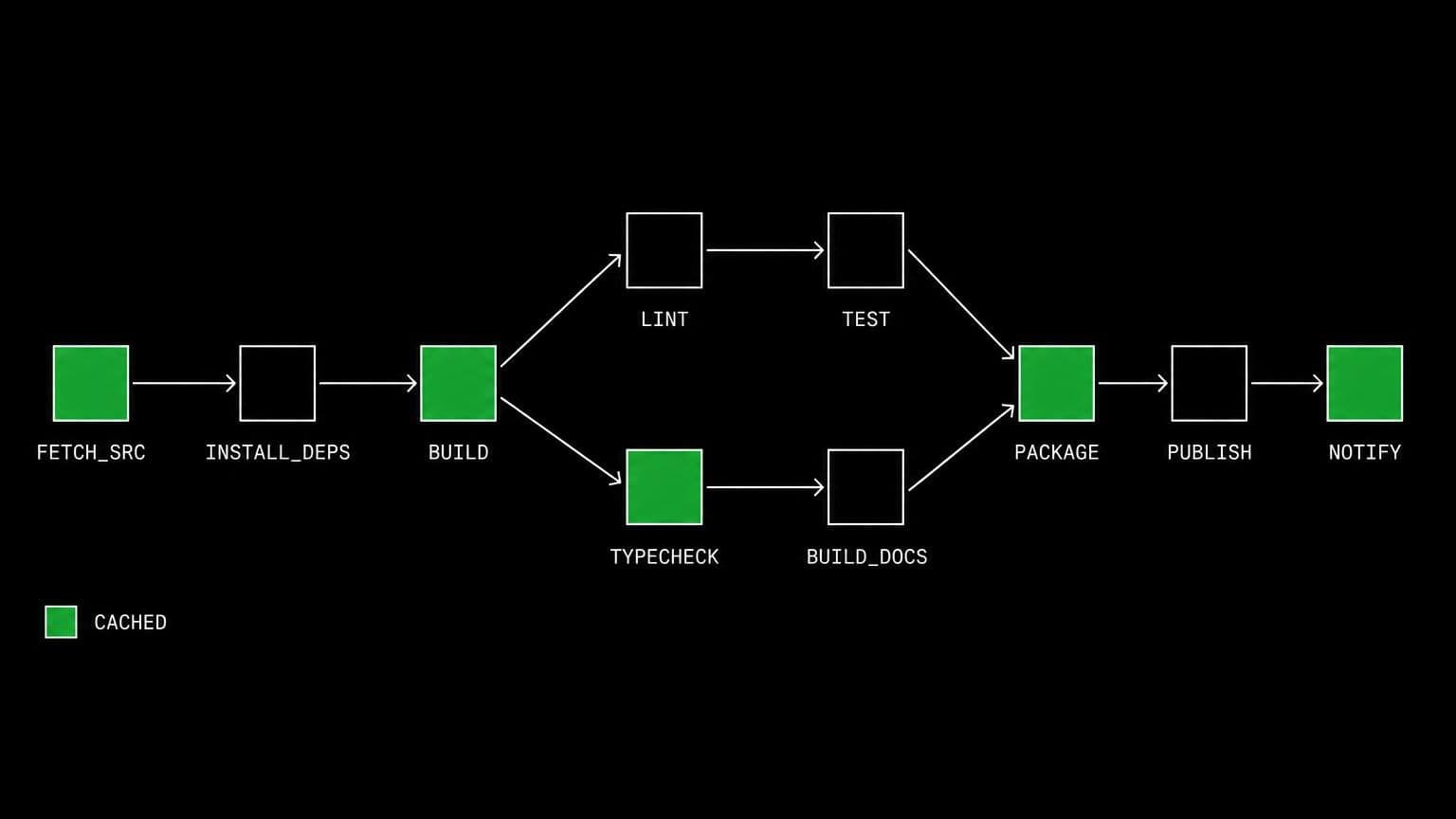
turborepo ai agent: agents that run the right tasks in a monorepo
install turborepo on a room's server and its agents run turbo tasks with the repo's own pipeline, use the cache, and rebuild only what the change touched.
- runs on
- room server
- installed
- per room
- category
- toolchain
turborepo is what stops an agent rebuilding an entire workspace to check a one-line change. installed on a room's server it puts turbo on the path for every agent in the room.
what agents do with it
the value is the task graph. an agent runs the repository's own pipeline, so type checking, linting, building and testing happen in the order the repo declares and only for the packages the change affects. the second run after a small edit hits the cache and finishes quickly, which is what makes an iterate-and-verify loop practical inside a single conversation. it also removes a common failure mode: an agent that invents its own build command runs the wrong steps in the wrong order and reports a green result the repository would not agree with.
the matching skill
turborepo ships with a skill of the same name. its main rule is to prefer the repo-local binary through pnpm turbo or npx turbo when the repository pins a version, so the run matches the lockfile. it also names the node.js dependency. skills load only for the agents you assign them to.
example tasks
- 01
run the checks the way ci does and fix whatever fails.
the agent runs the repo's turbo pipeline on the room server, reads the first real failure, fixes it, and reruns, letting the cache skip everything untouched.
bashreadedit - 02
which packages does this change actually affect?
it runs the task graph and reports the packages that rebuilt rather than the ones it guessed would, so the review scope comes from the tool and not from memory.
bashgrep
what to know before installing
the room needs a paid server tier, and node.js must be installed first. pnpm is the usual companion, since most turborepo workspaces are pnpm workspaces. the install streams its status from the technologies tab, and uninstalling removes the global binary.
how to install Turborepo
Turborepo is installed per room from the technologies tab, not once per team and not on your laptop.
- give the room a server
technologies are installed on real hardware, so the room needs a 2 GB, 4 GB, or 8 GB tier. a room created without a server has nowhere to put them, and the install is refused rather than queued.
- open the technologies tab
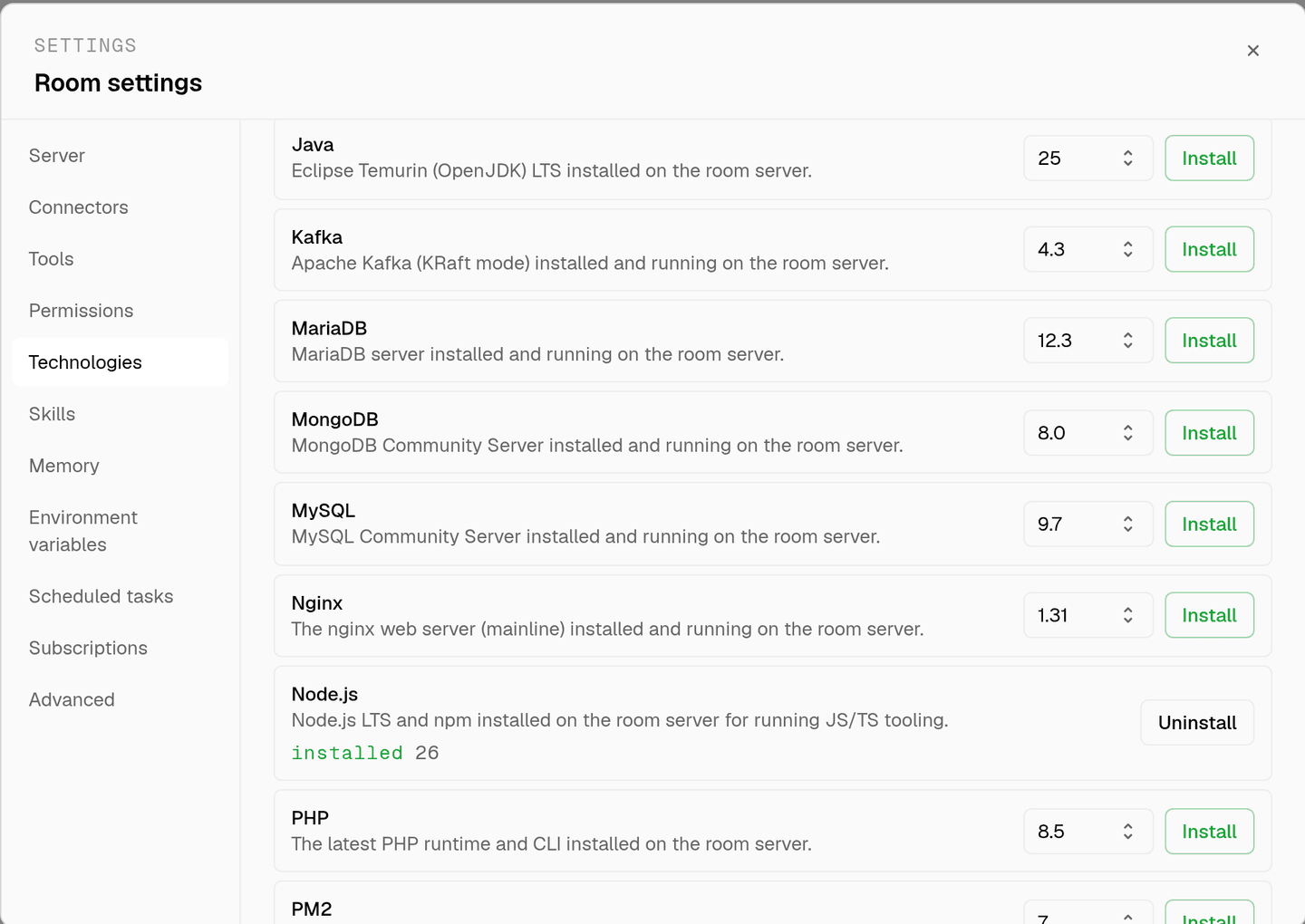
room settings lists every installable technology with its status. pick Turborepo and the install is queued for that room's server alone.
- watch the install run
the room streams the status through pending, installing, and installed, and a failed script surfaces its error instead of leaving the room in an unknown state.
- agents use it through bash
once it reports installed, every agent in the room reaches Turborepo with the bash tool, on the same filesystem as the checkout they are working in. uninstalling runs the teardown script and takes it away again.
where Turborepo actually lives
each room owns a server for its whole life, and the technologies tab is how you decide what is on it. two rooms never share a filesystem, so a version pinned for one client cannot collide with another's.
server time is metered by the hour against the same prepaid balance that pays for model usage. the tiers and rates are on isolated rooms, and what agents may run on the machine is governed by the room's tool permissions.
faq
what does installing turborepo on a room give the agents?
the turbo task runner on that room's server. agents run the repository's own pipeline rather than inventing build commands, and turbo's cache means a second run after a small change finishes in a fraction of the time of the first.
should agents use the global turbo or the repo's own?
the repo's own. the shipped turborepo skill tells agents to prefer the repo-local binary through pnpm turbo or npx turbo when the repository pins a version, so the run matches the lockfile rather than whatever the global install happens to be.
does turborepo need anything installed first?
yes, node.js. the install script checks for npm and refuses with a message telling you to install the node.js technology first. pnpm is usually wanted alongside it, since most turborepo workspaces are pnpm workspaces.
why does the cache matter in a room?
because server time is metered by the hour. a task graph that skips unchanged packages turns a five minute verification into a ten second one, which shows up directly on the room's cost as well as on how quickly an agent can iterate.
spin up your first room.
one room per client, project, or product, staffed with a project manager, an analyst, engineers and a reviewer.