start using SQLite with your agents
sign up, open a room, and install SQLite from its technologies tab.
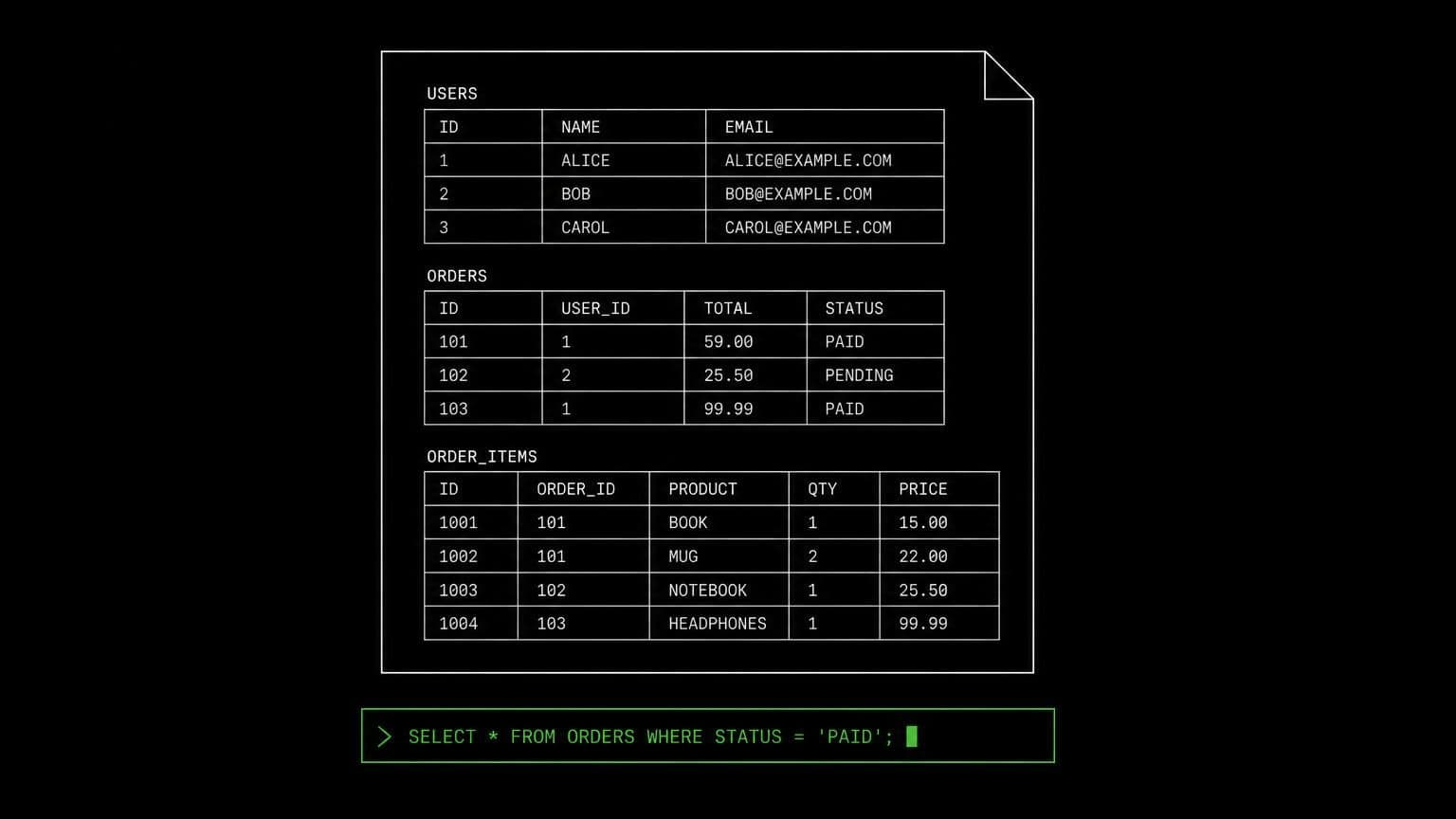
sqlite ai agent: agents that open the file and query it directly
install sqlite on a room's server and its agents open databases with the sqlite3 cli, inspect schemas, run one-off queries, and work with the db file you ship.
- runs on
- room server
- installed
- per room
- category
- datastore
sqlite is the lightest database in the catalog and often the most useful one for an agent, because so many projects ship a .sqlite file that nobody can read without the client.
what agents do with it
once installed, sqlite3 is on the room server's path. an agent opens a database with sqlite3 path/to/db.sqlite, uses .tables and .schema to learn its shape, and runs a query in one line when it only needs an answer. for test work it creates a throwaway database, applies the project's schema, and runs the suite against it, all on the room's own machine.
the matching skill
sqlite ships with a skill of the same name. it carries the three things that save an agent a round trip: how to open or create a database, how to run a one-off query without entering the shell, and how to inspect a schema. skills are versioned documents that load only for the agents you assign them to.
example tasks
- 01
what is actually in the database file the client sent us?
the agent opens it on the room server, lists the tables and their schemas, samples a few rows, and describes the shape rather than opening it in a viewer for you.
bashread - 02
check the migration produces the schema the tests expect.
it creates a fresh database, applies the migration, dumps the schema, and compares it against the fixture the suite loads.
bashgrepedit
what to know before installing
the room needs a paid server tier. this is one of the smallest installs in the catalog and has no dependency on any other technology. uninstalling removes the cli and leaves any database files that were on the machine exactly where they were.
how to install SQLite
SQLite is installed per room from the technologies tab, not once per team and not on your laptop.
- give the room a server
technologies are installed on real hardware, so the room needs a 2 GB, 4 GB, or 8 GB tier. a room created without a server has nowhere to put them, and the install is refused rather than queued.
- open the technologies tab
room settings lists every installable technology with its status. pick SQLite and the install is queued for that room's server alone.
- watch the install run
the room streams the status through pending, installing, and installed, and a failed script surfaces its error instead of leaving the room in an unknown state.
- agents use it through bash
once it reports installed, every agent in the room reaches SQLite with the bash tool, on the same filesystem as the checkout they are working in. uninstalling runs the teardown script and takes it away again.
where SQLite actually lives
each room owns a server for its whole life, and the technologies tab is how you decide what is on it. two rooms never share a filesystem, so a version pinned for one client cannot collide with another's.
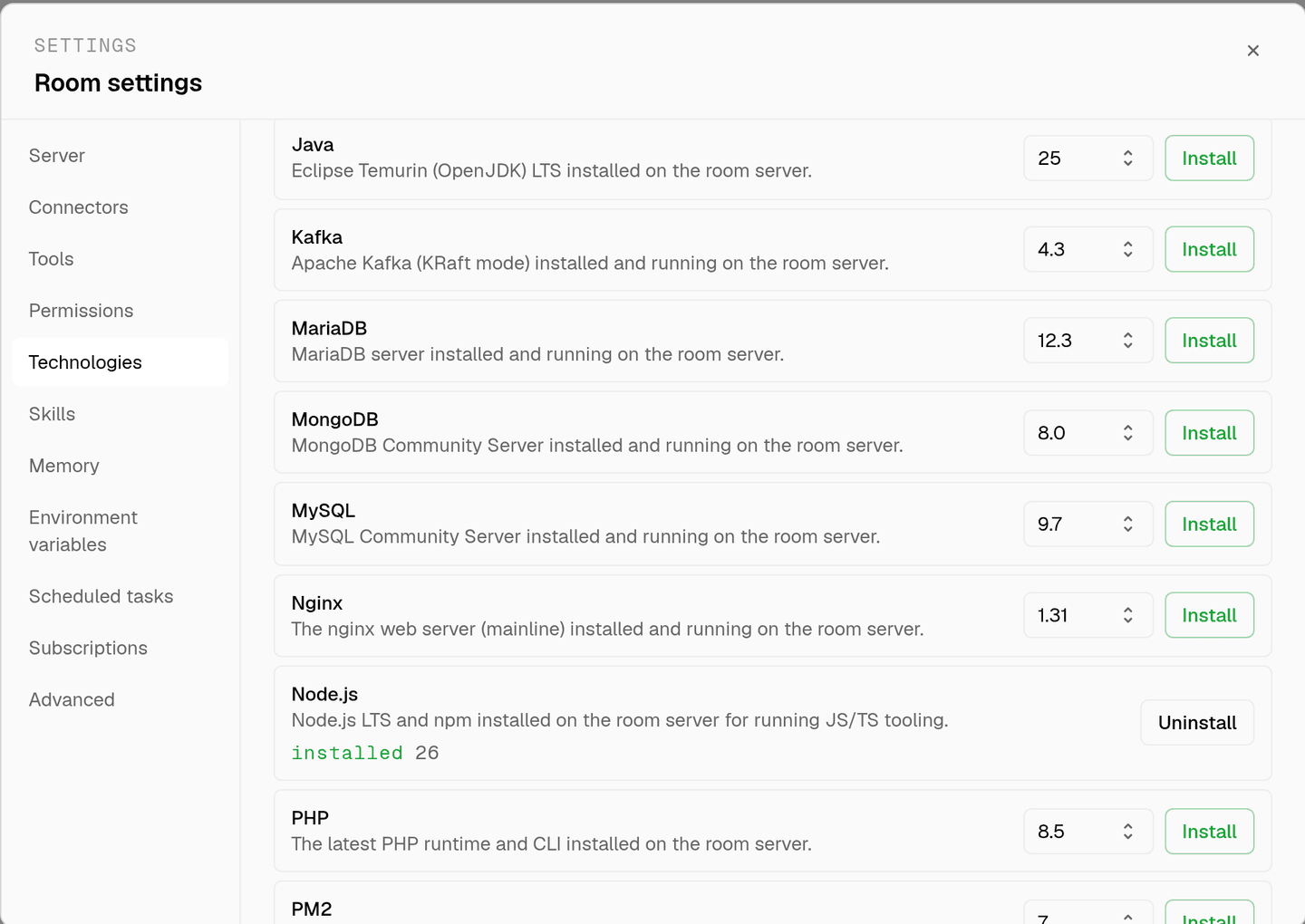
server time is metered by the hour against the same prepaid balance that pays for model usage. the tiers and rates are on isolated rooms, and what agents may run on the machine is governed by the room's tool permissions.
faq
what does installing sqlite on a room give the agents?
the sqlite3 command line tool on that room's server. agents open or create a database with sqlite3 path/to/db.sqlite, run a one-off query in a single command, and use .tables and .schema inside the shell to inspect a file they have never seen before.
why install anything if sqlite is just a file?
the file is the database, but reading it needs the client. without sqlite3 on the machine an agent can see the bytes and nothing else. with it, the same agent that edits the code can check what the query actually returns.
is there a matching skill?
yes. sqlite ships with a skill of the same name covering opening a database, running one-off queries, and inspecting a schema with .tables and .schema. skills load only for the agents you assign them to.
can an agent work with a database file from a connected drive?
yes. a file downloaded through a connected google drive lands on the same room server, so the agent can open it with sqlite3 straight away. nothing leaves the room in the process.
spin up your first room.
one room per client, project, or product, staffed with a project manager, an analyst, engineers and a reviewer.