start using MySQL with your agents
sign up, open a room, and install MySQL from its technologies tab.
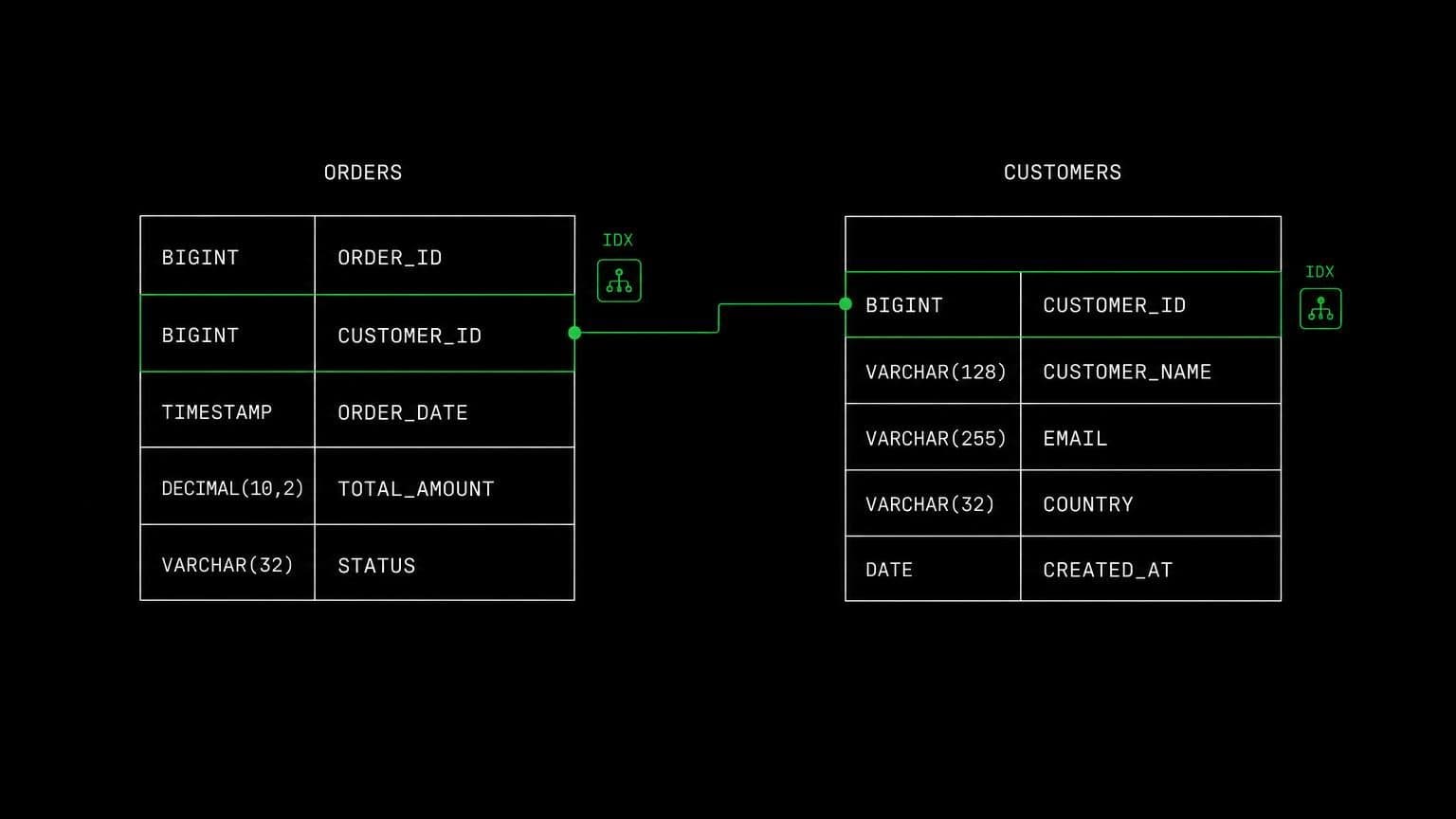
mysql ai agent: a mysql server the room owns and agents can run
install mysql community server on a room's server and its agents apply migrations, seed fixtures, run queries with the mysql client, and test live.
- runs on
- room server
- installed
- per room
- category
- datastore
mysql on a room is a running server on that room's own machine. agents reach the mysql client through the bash tool, so writing a migration and applying it are the same piece of work rather than two halves separated by a human.
what agents do with it
agents apply the project's migrations against the room's database, seed the fixtures a test suite expects, and then check the result with the mysql client instead of assuming. when a query returns the wrong rows they run it, read the output, and adjust. when a migration fails on a charset or a collation they see the actual error text rather than reasoning about which one it probably was.
the conflict worth knowing about
mysql and mariadb cannot share a machine. the install script checks for a mariadb package first and stops with a clear message rather than half installing over it. because technologies are per room, the answer is usually two rooms rather than one careful machine, and rooms run in parallel without interfering.
example tasks
- 01
apply every pending migration and tell me what the schema looks like now.
the agent runs the migrations against the room's mysql, then describes the resulting tables from the client rather than from the migration files.
bashread - 02
this report query times out in production. make it fast.
it seeds representative data on the room server, runs explain against the real optimiser, adds the index, and shows the before and after timings.
basheditgrep
what to know before installing
the room needs a paid server tier, and a database beside an application is the case for the 8 gb tier. the install streams its status from the technologies tab, and uninstalling stops the service, purges the packages, and removes the data directory.
how to install MySQL
MySQL is installed per room from the technologies tab, not once per team and not on your laptop.
- give the room a server
technologies are installed on real hardware, so the room needs a 2 GB, 4 GB, or 8 GB tier. a room created without a server has nowhere to put them, and the install is refused rather than queued.
- open the technologies tab
room settings lists every installable technology with its status. pick MySQL and the install is queued for that room's server alone.
- watch the install run
the room streams the status through pending, installing, and installed, and a failed script surfaces its error instead of leaving the room in an unknown state.
- agents use it through bash
once it reports installed, every agent in the room reaches MySQL with the bash tool, on the same filesystem as the checkout they are working in. uninstalling runs the teardown script and takes it away again.
where MySQL actually lives
each room owns a server for its whole life, and the technologies tab is how you decide what is on it. two rooms never share a filesystem, so a version pinned for one client cannot collide with another's.
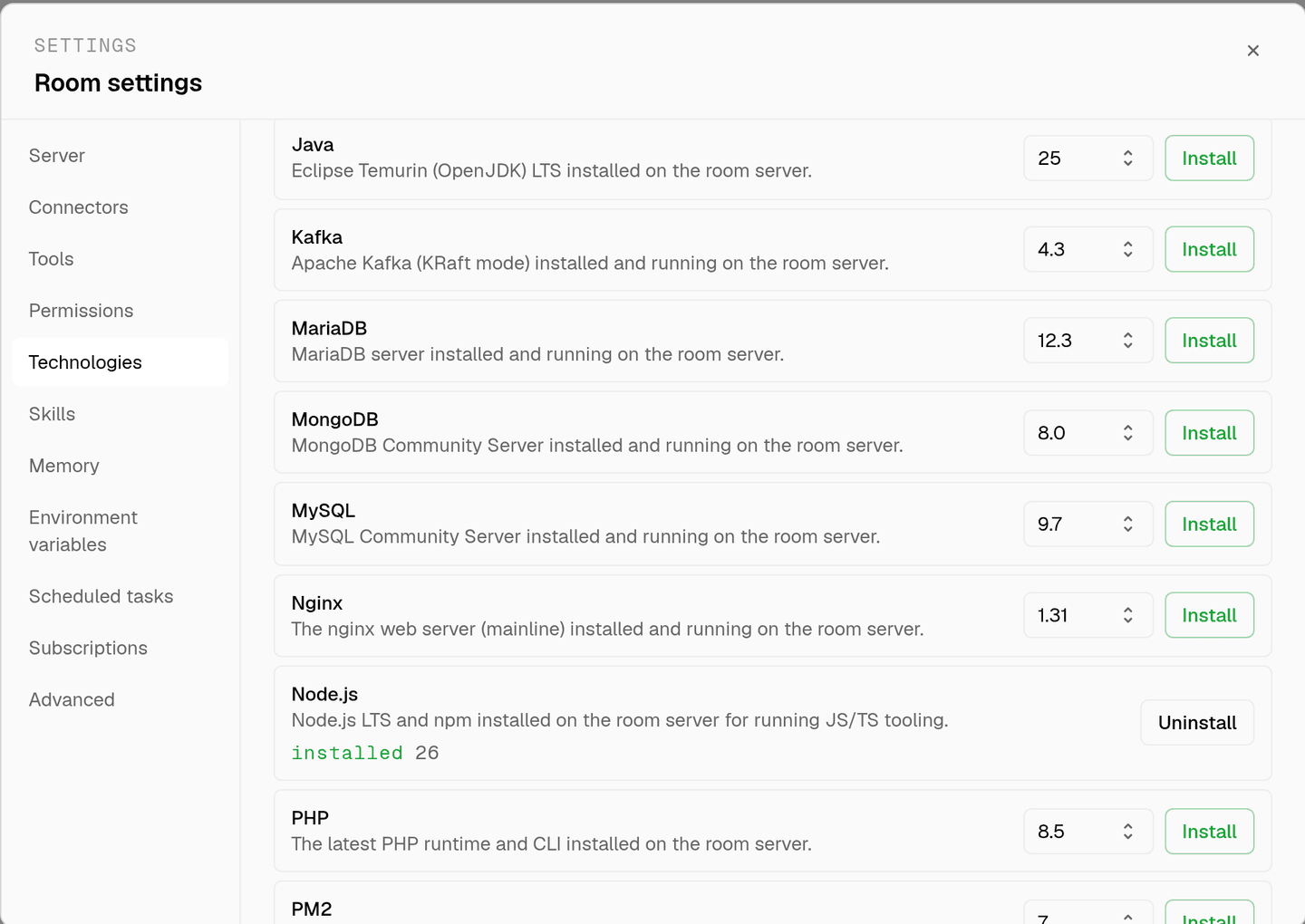
server time is metered by the hour against the same prepaid balance that pays for model usage. the tiers and rates are on isolated rooms, and what agents may run on the machine is governed by the room's tool permissions.
faq
can i install mysql and mariadb in the same room?
no. the two packages conflict on the same machine, so the mysql install checks for mariadb first and refuses with a message telling you to uninstall it before continuing. pick one per room, or use two rooms if a project genuinely needs both.
what does the install actually do?
it adds the mysql apt repository, installs mysql community server, enables the service, and then verifies the service is actually active before reporting success. if it failed to start, the run log includes the last lines of the journal instead of a bare error.
is this connected to my production database?
no. this is a mysql server on the room's own machine, for migrations, fixtures and tests. your production database is not reachable from the room unless you deliberately put a credential in that room's environment variables.
does the data persist between sessions?
yes. the room's server is provisioned with the room and stays with it, so a seeded schema is still there in the next session. uninstalling purges the packages and removes the data directory, which resets the room to a clean base.
spin up your first room.
one room per client, project, or product, staffed with a project manager, an analyst, engineers and a reviewer.