start using Java with your agents
sign up, open a project, and add Java to its setup script in settings → server.
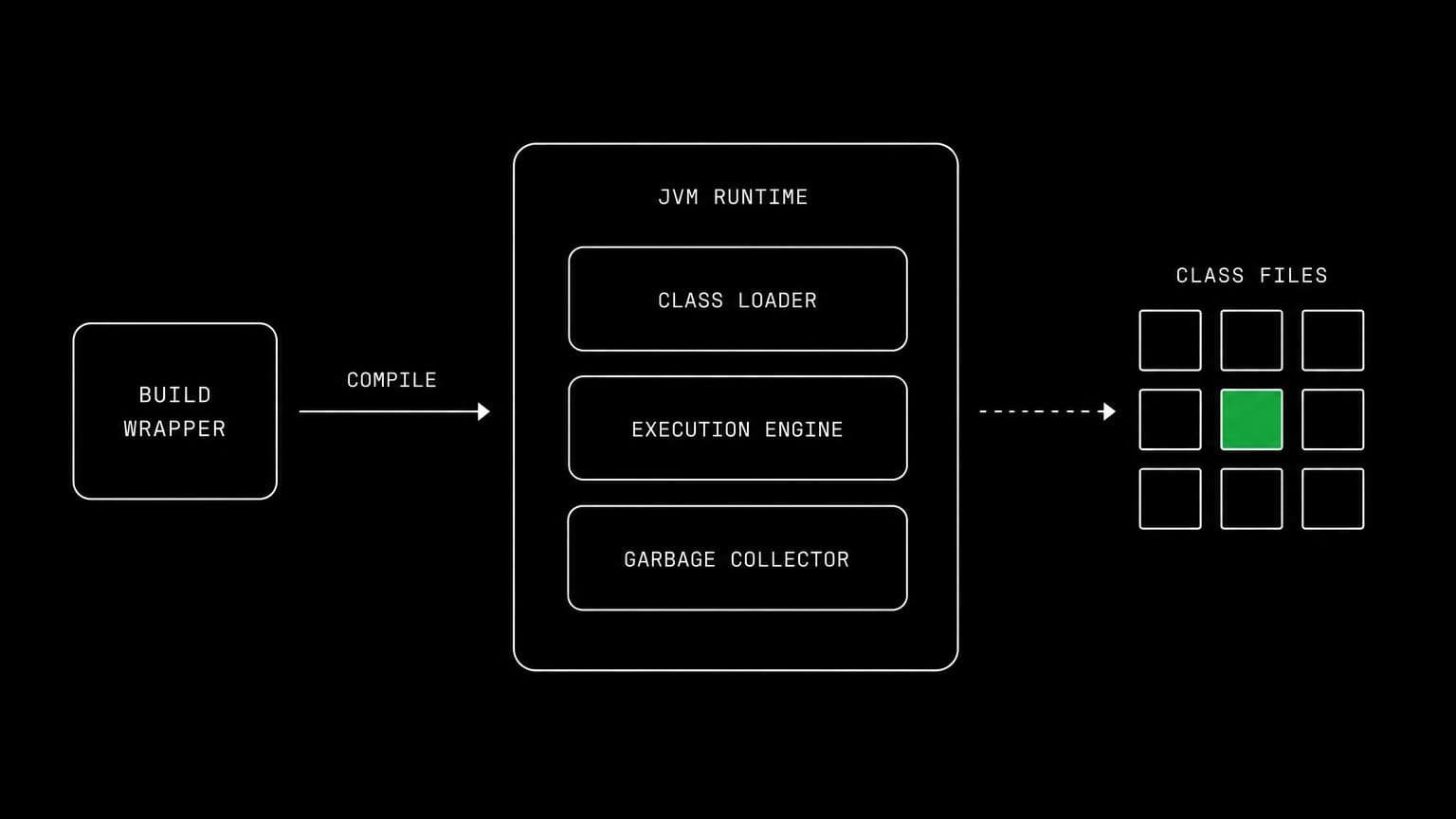
java ai agent: a jdk in each conversation's sandbox so agents can build and test
add eclipse temurin to a project's setup script and its agents compile with javac, run with java, and drive the repository's own maven or gradle wrapper.
- runs on
- conversation sandbox
- installed by
- setup script
- category
- runtime
java on a project means a real jdk on a real machine. once the setup script has run, java and javac are in the sandbox's path and every agent in the project reaches them through the bash tool.
what agents do with it
for most projects the agent does not call javac directly. it runs the project's own build through ./mvnw or ./gradlew, which is what keeps a run reproducible. the compiler and the test suite then do the reviewing: a wrong generic, a missing override, a broken dependency scope all surface as real errors with line numbers, on the same machine that holds the checkout.
the matching skill
java ships with a skill of the same name. it carries three things: compile with javac and run with java, prefer the wrapper when one is present, and check the active version before assuming compatibility. skills load only for the agents you assign them to.
example tasks
- 01
the build fails on the ci image but not on my machine. work out why.
the agent runs the wrapper in the conversation's clean sandbox, reads the real failure, and reports the dependency or jdk difference rather than a theory about it.
bashreadgrep - 02
add the endpoint and run the test suite.
it writes the code, builds through the repository's wrapper in the conversation's sandbox, fixes what the compiler names, and reports the suite result.
writebashedit
what to know before installing
the project needs a sandbox, and a jvm build is a good reason to pick the standard size or larger. kafka depends on java, so install java earlier in the setup script if a project needs both.
how to install Java
Java goes in the project's setup script, not once per team and not on your laptop.
- give the project a sandbox
Java runs in each conversation's sandbox, on your team's own sandbox provider account. an owner or admin connects a provider once on the team's providers page, then picks it and a default size for the project, at creation or later in settings → server. a project with no sandbox has nowhere to run it.
- add it to the setup script
settings → server holds the project's setup script, a bash script that runs once on each new sandbox, in /project, with sudo. add Java's install commands there and save.
- the next sandbox runs it
the script runs when a conversation's sandbox is created or reused, on the conversation's first turn. settings shows the last run with its exit code and output, and a failed run leaves the sandbox usable rather than blocking the project.
- agents use it through bash
from then on every agent in the project reaches Java with the bash tool, on the same filesystem as the checkout they are working in. the conversation's sandbox keeps it between turns, sleeping when idle and waking with the next one.
where Java actually lives
each conversation in a project gets its own sandbox on your team's sandbox provider account, and the project's setup script in settings → server decides what is on it. two projects never share a filesystem, so a version pinned for one client cannot collide with another's.
the sandbox provider bills its machine time to your team's account while it runs, and aldena adds nothing. the sizes are on isolated projects, and what agents may run in the sandbox is governed by the project's tool permissions.
faq
which jdk should the setup script install?
eclipse temurin on the current lts line is a sound default, and it puts java and javac in the sandbox's path. an agent can confirm the active version any time with java --version before it makes a claim about compatibility.
should agents use maven or gradle directly?
the shipped java skill tells them to prefer the project's own wrapper, ./mvnw or ./gradlew, when one is present. that keeps the build on the version the repository pins rather than whatever happens to be installed globally.
can an agent run the full test suite in a project?
yes, in the conversation's own sandbox. jvm builds are memory hungry, so a large codebase is a reason to choose the standard size or larger. new conversations use the default size from settings → server.
does anything else need java installed first?
yes. kafka runs on the jvm, so a project that needs both installs java earlier in the setup script. the script runs top to bottom once on each new sandbox, so ordering its lines is all it takes.
spin up your first project.
one project per client, product, or piece of work, staffed with intake, requirements, build and code review agents.