start using .NET with your agents
sign up, open a room, and install .NET from its technologies tab.
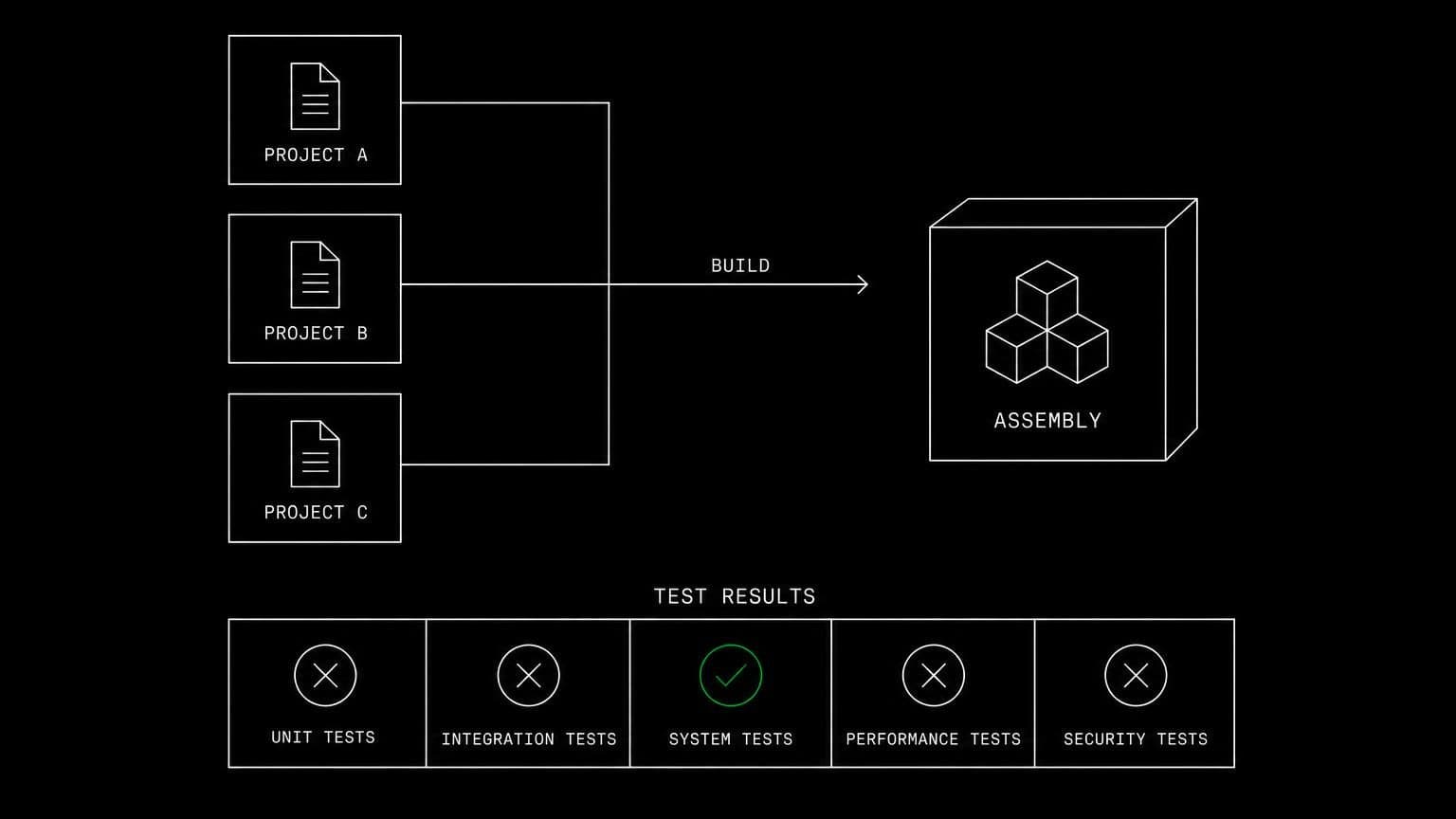
dotnet ai agent: the .net sdk on the room server for build and test
install the .net sdk on a room's server and its agents restore, build, test and run projects with the dotnet cli against the checkout already on the machine.
- runs on
- room server
- installed
- per room
- category
- runtime
.net on a room is the sdk on a real machine, which means an agent can compile rather than describe. once it reports installed, the dotnet cli is on the room server's path for every agent in the room.
what agents do with it
the loop is restore, build, test, repeat. an agent runs dotnet build and reads roslyn's diagnostics with their exact file, line and symbol, fixes the cause, and builds again. dotnet test runs the suite on the room's machine, dotnet run starts the app so a route can be exercised, and dotnet new scaffolds a project when something genuinely new is needed. because the checkout is already on the server, none of that involves moving files anywhere.
the matching skill
.net ships with a skill of the same name. it carries restore and build, running, testing, and scaffolding. skills load only for the agents you assign them to, and assigning one before its technology is installed is refused rather than failing later mid-run.
example tasks
- 01
the solution will not build after the package upgrade. fix it.
the agent builds on the room server, reads the breaking change roslyn points at, updates the call sites, and rebuilds until it is clean.
bashreadedit - 02
add tests for the new service and run them.
it writes the test project files, runs dotnet test on the room machine, and reports the actual pass and fail counts rather than an assurance.
writebashgrep
what to know before installing
the room needs a paid server tier, and .net builds are memory hungry, so a large solution is a reason to pick the 8 gb tier. the install brings the latest lts sdk and streams its status from the technologies tab as it runs.
how to install .NET
.NET is installed per room from the technologies tab, not once per team and not on your laptop.
- give the room a server
technologies are installed on real hardware, so the room needs a 2 GB, 4 GB, or 8 GB tier. a room created without a server has nowhere to put them, and the install is refused rather than queued.
- open the technologies tab
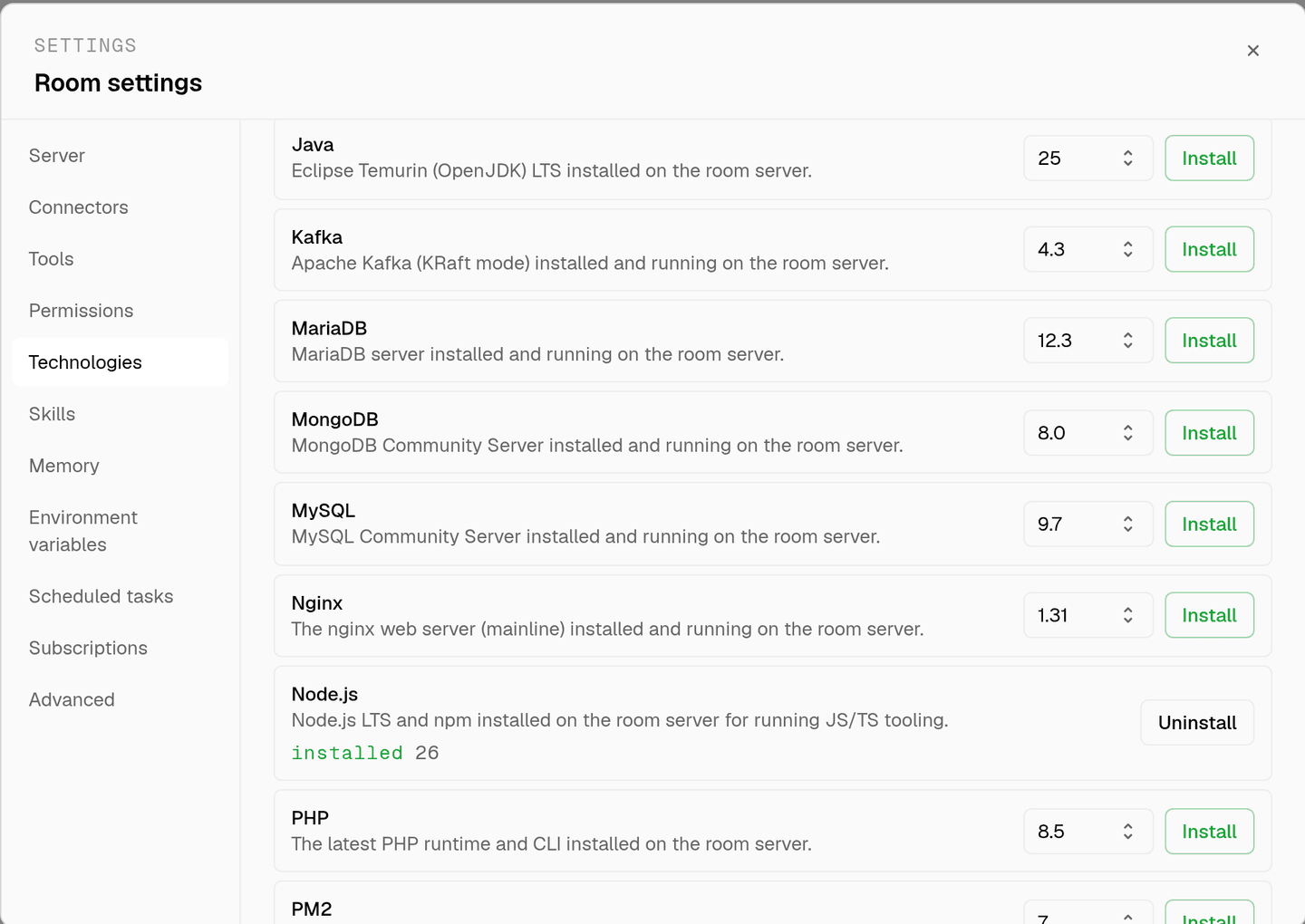
room settings lists every installable technology with its status. pick .NET and the install is queued for that room's server alone.
- watch the install run
the room streams the status through pending, installing, and installed, and a failed script surfaces its error instead of leaving the room in an unknown state.
- agents use it through bash
once it reports installed, every agent in the room reaches .NET with the bash tool, on the same filesystem as the checkout they are working in. uninstalling runs the teardown script and takes it away again.
where .NET actually lives
each room owns a server for its whole life, and the technologies tab is how you decide what is on it. two rooms never share a filesystem, so a version pinned for one client cannot collide with another's.
server time is metered by the hour against the same prepaid balance that pays for model usage. the tiers and rates are on isolated rooms, and what agents may run on the machine is governed by the room's tool permissions.
faq
what does installing .net on a room give the agents?
the dotnet cli on that room's server, on the current lts sdk line. agents restore and build with dotnet build, run with dotnet run, run the suite with dotnet test, and scaffold with dotnet new, all through the bash tool.
does the agent get real compiler errors?
yes, and that is most of the value. roslyn names the type, the member and the line, so an agent iterates against real diagnostics instead of producing code that compiles in principle and fails when someone opens the solution.
can an agent run a test project in a room?
yes. dotnet test runs on the room's own server against the checkout that is already there. if the app needs a database, install postgresql or mysql in the same room and the tests run against a live instance.
is there a matching skill?
yes. .net ships with a skill of the same name covering dotnet build, dotnet run, dotnet test, and scaffolding with dotnet new. skills load only for the agents you assign them to.
spin up your first room.
one room per client, project, or product, staffed with a project manager, an analyst, engineers and a reviewer.