start using Ruby with your agents
sign up, open a project, and add Ruby to its setup script in settings → server.
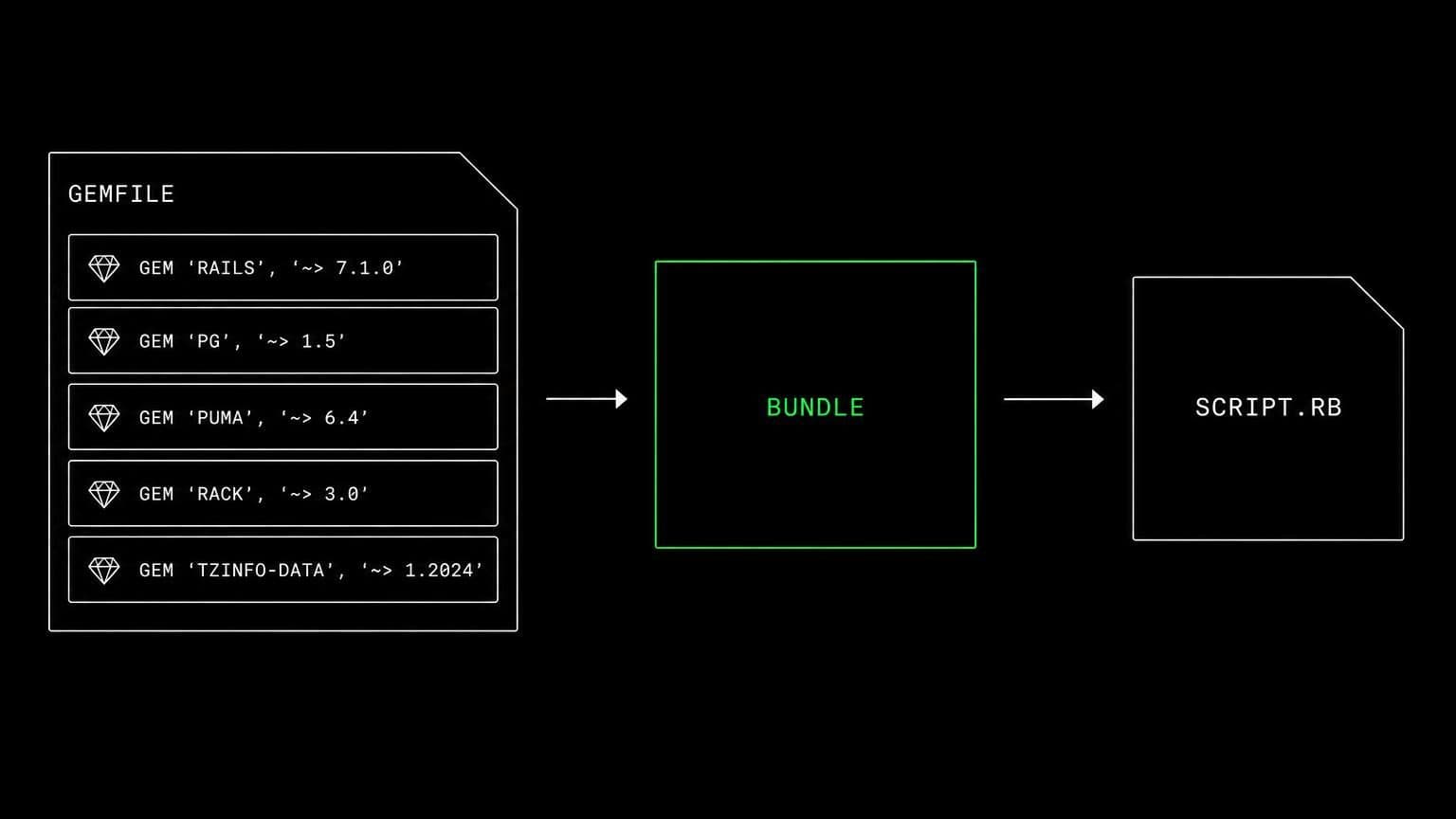
ruby ai agent: agents that run the script and the bundle for real
add ruby to a project's setup script and its agents run scripts, install gems, drive bundler with bundle exec, and iterate on the error the interpreter produced.
- runs on
- conversation sandbox
- installed by
- setup script
- category
- runtime
ruby on a project is an interpreter in each conversation's own sandbox. once the setup script has run, ruby and gem are in the sandbox's path and every agent in the project reaches them through the bash tool.
what agents do with it
the interpreter is the fastest reviewer an agent has. it runs a script with ruby script.rb and reads the actual backtrace, installs the app's gems with bundle install when a gemfile is present, and runs tasks through bundle exec so the versions match the lockfile. for a web app it starts the server in the conversation's sandbox and calls the route from the same box, which turns a suspected bug into an observed one.
the matching skill
ruby ships with a skill of the same name. it carries running a script, installing gems, preferring bundler when a gemfile exists, and using bundle exec for tasks. skills are versioned documents that load only for the agents you assign them to, so the engineer on the ruby service carries it and nobody else does.
example tasks
- 01
the background job fails on some records. find the pattern.
the agent runs the job against sample data in the conversation's sandbox, reads the backtraces, and reports the specific attribute that is missing rather than a category of cause.
bashreadgrep - 02
bump the gem and check nothing broke.
it updates the gemfile, installs the bundle in the conversation's sandbox, runs the suite through bundle exec, and shows what changed in the lockfile.
editbash
what to know before installing
the project needs a sandbox. put the ruby runtime and gem in the setup script; bundler, rails, and anything else the app needs come from its own gemfile in the conversation's sandbox.
how to install Ruby
Ruby goes in the project's setup script, not once per team and not on your laptop.
- give the project a sandbox
Ruby runs in each conversation's sandbox, on your team's own sandbox provider account. an owner or admin connects a provider once on the team's providers page, then picks it and a default size for the project, at creation or later in settings → server. a project with no sandbox has nowhere to run it.
- add it to the setup script
settings → server holds the project's setup script, a bash script that runs once on each new sandbox, in /project, with sudo. add Ruby's install commands there and save.
- the next sandbox runs it
the script runs when a conversation's sandbox is created or reused, on the conversation's first turn. settings shows the last run with its exit code and output, and a failed run leaves the sandbox usable rather than blocking the project.
- agents use it through bash
from then on every agent in the project reaches Ruby with the bash tool, on the same filesystem as the checkout they are working in. the conversation's sandbox keeps it between turns, sleeping when idle and waking with the next one.
where Ruby actually lives
each conversation in a project gets its own sandbox on your team's sandbox provider account, and the project's setup script in settings → server decides what is on it. two projects never share a filesystem, so a version pinned for one client cannot collide with another's.
the sandbox provider bills its machine time to your team's account while it runs, and aldena adds nothing. the sizes are on isolated projects, and what agents may run in the sandbox is governed by the project's tool permissions.
faq
what does installing ruby on a project give the agents?
the ruby runtime and the gem package manager in each conversation's sandbox. agents run scripts with ruby script.rb, install gems, and run the app's tasks through bundle exec when the repository has a gemfile.
will agents install gems globally or into the bundle?
the shipped ruby skill tells them to prefer bundle install when a gemfile is present and to run tasks through bundle exec, so the versions come from the lockfile rather than from whatever the machine happens to have.
can an agent run a rails test suite?
yes, in the conversation's own sandbox. if the app needs a database, install postgresql or mysql in the same project and the suite runs against a real instance rather than a stub, all on one machine.
does the ruby install persist between sessions?
only within a conversation. each conversation's sandbox keeps its files between turns, sleeping when idle and waking with the next one, so an installed bundle is still there next time. a new conversation gets its own sandbox, and the setup script runs on it again. a conversation left quiet for 7 days gives its sandbox back, and its next turn starts fresh.
spin up your first project.
one project per client, product, or piece of work, staffed with intake, requirements, build and code review agents.